Shell Terminal
FlightDeck Remote includes a real terminal so you can run a quick command in an
agent's worktree from your phone — check git log, run a test, tail a file.
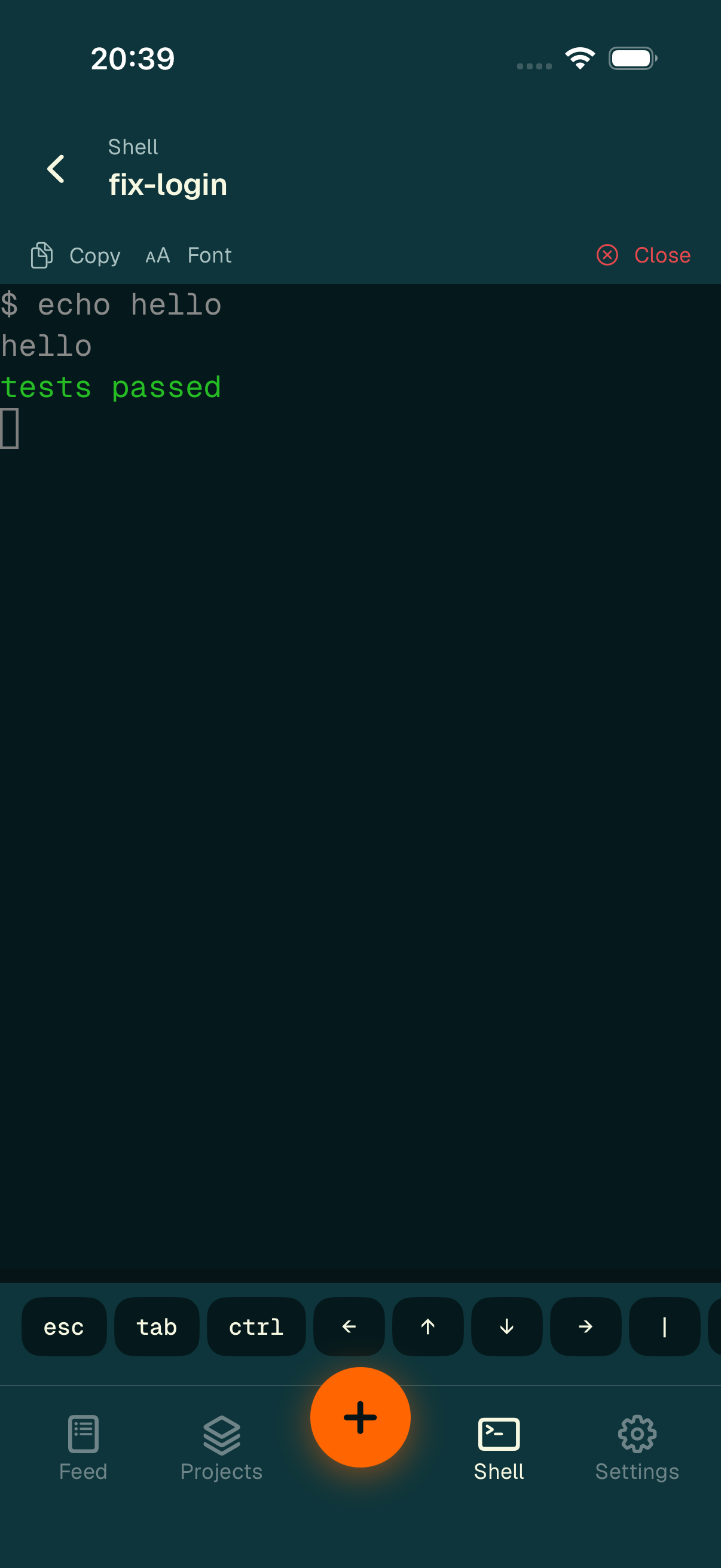
The mobile shell — live output with an accessory key bar above the keyboard.
Opening a shell
There are two ways in:
- The Shell tab in the bottom bar — it shows a picker of your sessions (remembering the last one you used), then opens a terminal for the one you choose.
- From a session: the Open shell action in the session actions sheet, or the Agent · Shell switcher in chat.
There is one shell per session at a time.
Using the terminal
The terminal streams stdout and stderr with basic ANSI colors and scrollback. Above the keyboard sits an accessory key bar with the keys a phone keyboard lacks:
- Esc, Tab, the four arrow keys,
- common symbols:
|,/,-,~,`, - Ctrl — a sticky modifier: tap it to arm (it lights up), then the next key composes a control byte,
- a dedicated ⌃C to interrupt,
- paste.
The toolbar above the output offers Copy, a Font button that cycles a size ladder (remembered across all shells), and Close.
Connection honesty
While the link is down, the shell shows a "Reconnecting — commands are paused" note and disables the key bar, so a command is never sent into the void. When a process exits, the output freezes with its exit code and offers Close or Reopen.